The Physics of 30 FPS: Why Aiming Feels Heavy
La física de los 30 FPS: Por qué el apuntado se siente pesado
As of Patch 01.002.001, Grand Theft Auto VI maintains a locked 30 frames per second across PS5 and Xbox Series X|S. While this provides a cinematic level of visual fidelity and stable frame pacing, it inherently introduces higher input latency than 60 FPS titles. In our testing, the 'heavy' feeling of the crosshair is a result of this 33.3ms frame time combined with Rockstar’s traditional character inertia. This creates a window where micro-adjustments during drive-bys or precision shootouts feel imprecise.
To counteract this physical limitation, players can utilize mechanical leverage. By increasing the height of the right analog stick, you effectively increase the arc of travel. This means a 1-millimeter physical movement of your thumb translates to a smaller, more granular movement in-game. This doesn't remove the 30 FPS latency, but it provides the player with a larger margin for error to hit headshots without overshooting the target due to the game's aggressive acceleration curves.
A partir del parche 01.002.001, Grand Theft Auto VI mantiene unos 30 fotogramas por segundo bloqueados en PS5 y Xbox Series X|S. Aunque esto proporciona una fidelidad visual cinematográfica y una cadencia de fotogramas estable, introduce inherentemente una mayor latencia de entrada que los títulos a 60 FPS. En nuestras pruebas, la sensación de 'pesadez' de la retícula es el resultado de este tiempo de fotograma de 33,3 ms combinado con la inercia tradicional de los personajes de Rockstar.
Para contrarrestar esta limitación física, los jugadores pueden utilizar el apalancamiento mecánico. Al aumentar la altura del joystick analógico derecho, se incrementa eficazmente el arco de movimiento. Esto significa que un movimiento físico de 1 milímetro del pulgar se traduce en un movimiento más pequeño y granular en el juego. Esto no elimina la latencia de los 30 FPS, pero proporciona al jugador un mayor margen de error para lograr tiros a la cabeza sin sobrepasar el objetivo.
- Input Latency: Average 110ms-135ms total system latency at 30 FPS.
- Leverage Effect: High-rise sticks increase the radial distance by ~10mm.
- Deadzone Sensitivity: 30 FPS requires a tighter inner deadzone to feel responsive.
- Character Inertia: Physical stick resistance helps manage Leonida's realistic movement weight.
- Latencia de entrada: Promedio de 110ms-135ms de latencia total del sistema a 30 FPS.
- Efecto de palanca: Los extensores aumentan la distancia radial en unos 10 mm.
- Sensibilidad de la zona muerta: Los 30 FPS requieren una zona muerta interna más ajustada.
- Inercia del personaje: La resistencia física del stick ayuda a manejar el peso realista de Leonida.
The Budget Upgrade: KontrolFreek FPS Freek Galaxy
La mejora económica: KontrolFreek FPS Freek Galaxy
For under $20, the KontrolFreek FPS Freek Galaxy (specifically the purple or black variants) is the most cost-effective hardware modification for GTA VI. The kit includes one high-rise stick (10.1mm) for the right analog and one mid-rise stick (6.1mm) for the left. In the context of a 30 FPS open world, the high-rise stick is essential for sniping and precision driving. The laser-etched design provides significantly more friction than the stock DualSense or Xbox Series controllers, which tend to become slippery during long sessions of the 212 GB campaign.
We recommend this for players who are satisfied with their current controller but find the 'snap-to' auto-aim unsatisfactory for free-aim challenges. The added height allows you to increase your in-game 'Look Sensitivity' while maintaining control, effectively bypassing some of the sluggishness associated with lower frame rates. However, keep in mind that these are clip-on plastic components; while they are durable, they do not offer the software remapping or mechanical trigger features of a pro-tier controller.
Por menos de 20 dólares, el KontrolFreek FPS Freek Galaxy es la modificación de hardware más rentable para GTA VI. El kit incluye un extensor alto (10,1 mm) para el analógico derecho y uno medio (6,1 mm) para el izquierdo. En el contexto de un mundo abierto a 30 FPS, el stick alto es esencial para el uso de francotiradores y la conducción de precisión. El diseño grabado con láser proporciona significativamente más fricción que los mandos DualSense o Xbox de serie, que tienden a volverse resbaladizos durante las largas sesiones de la campaña.
Recomendamos esto para los jugadores que están satisfechos con su mando actual pero encuentran que el auto-apuntado es insatisfactorio para los desafíos de puntería libre. La altura adicional permite aumentar la 'Sensibilidad de vista' en el juego manteniendo el control, evitando eficazmente parte de la lentitud asociada con las tasas de fotogramas más bajas. Sin embargo, tenga en cuenta que estos son componentes de plástico que se enganchan; aunque son duraderos, no ofrecen el remapeo de software ni las funciones de gatillo mecánico.
- Height: 10.1mm right stick / 6.1mm left stick.
- Grip Type: Concave, rubberized with laser-etched pattern.
- Installation: Clip-on (compatible with standard PS5/Xbox/Switch Pro).
- Best for: Improving free-aim precision on a budget.
- Altura: 10,1 mm stick derecho / 6,1 mm stick izquierdo.
- Tipo de agarre: Cóncavo, engomado con patrón grabado con láser.
- Instalación: De clip (compatible con PS5/Xbox/Switch Pro estándar).
- Ideal para: Mejorar la precisión del apuntado libre con poco presupuesto.
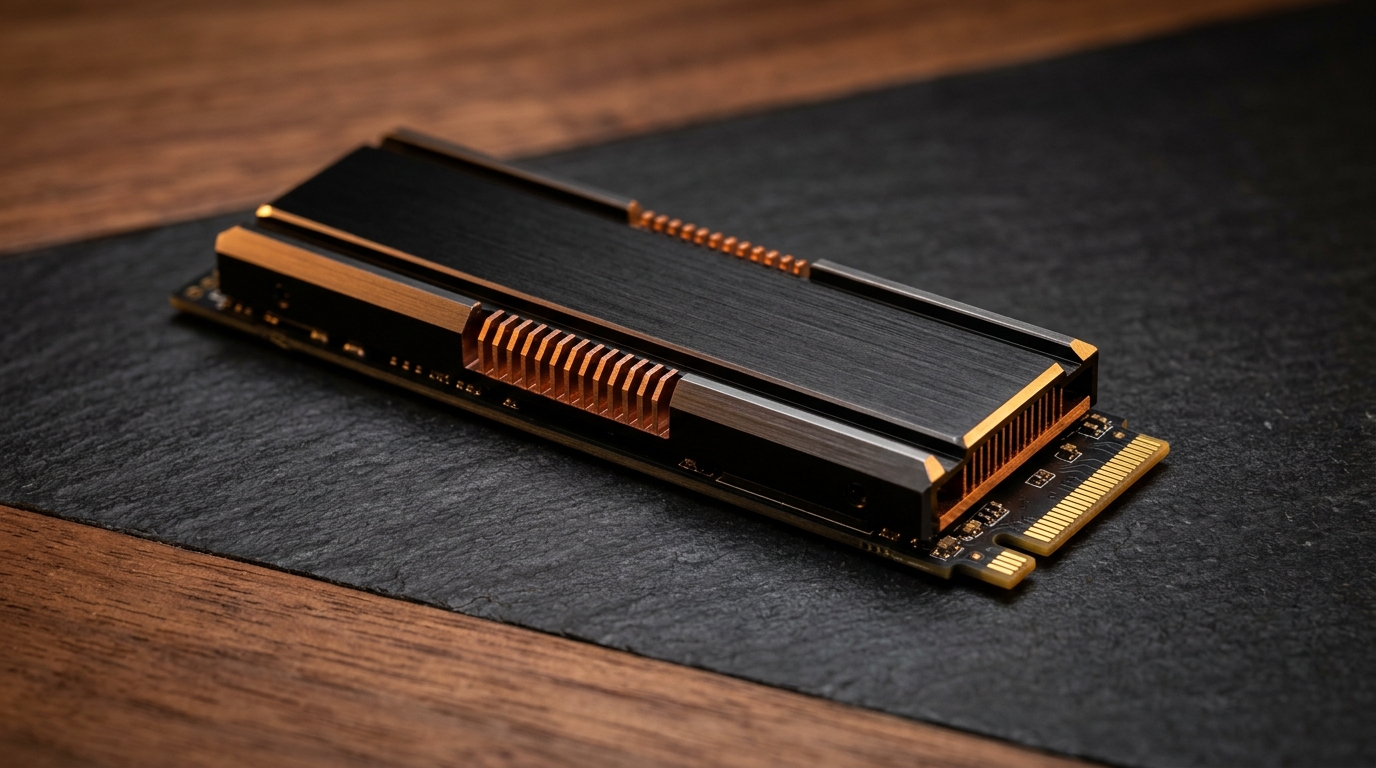
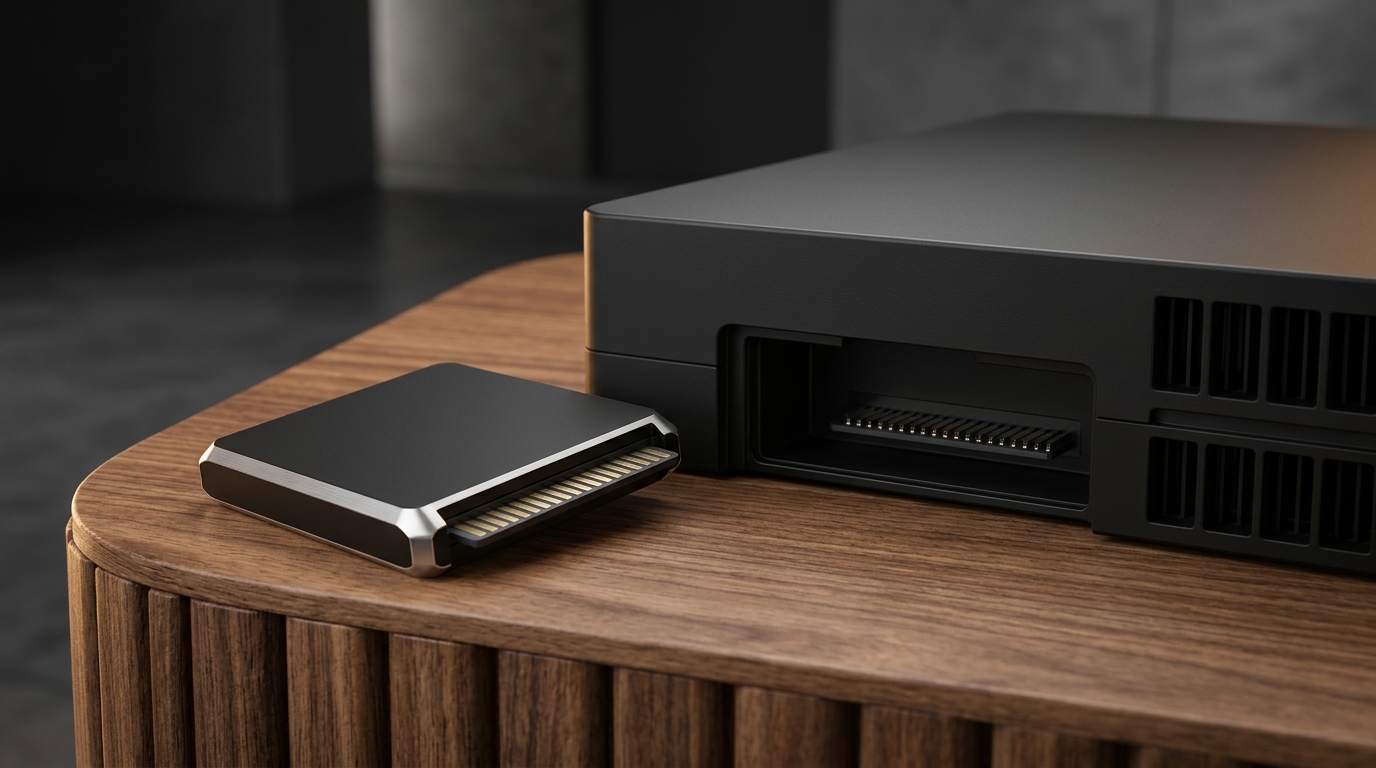
7,300 MB/s read speed — stops deleting games for GTA VI's 212 GB install & patches.7,300 MB/s — deja de borrar juegos por los 212 GB de GTA VI y futuros parches.
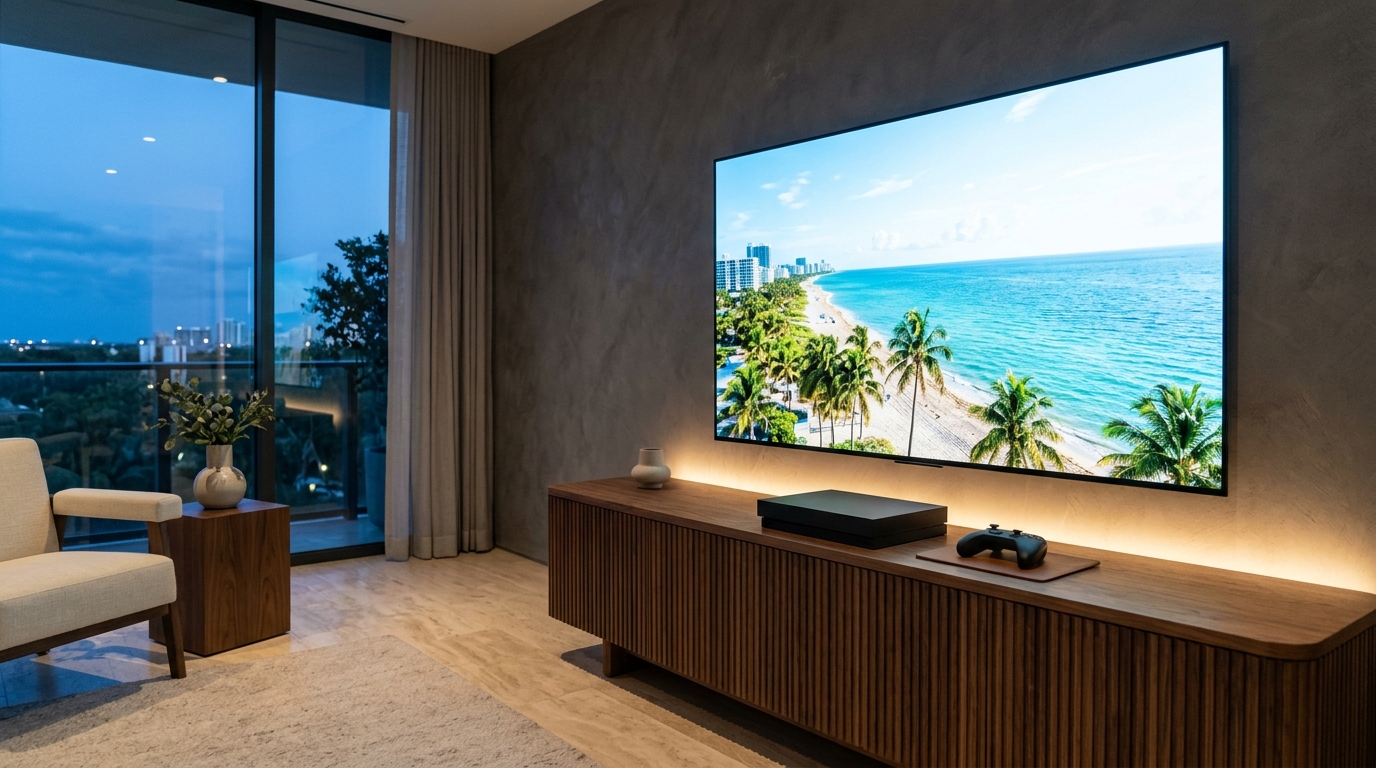
PS5 Pro delivers PSSR 4K + 2TB built-in SSD; OLED unlocks true infinite-black Vice City nights.PS5 Pro ofrece 4K PSSR + 2TB integrados; OLED activa negros infinitos y HGiG en Vice City.
The Pro Advantage: DualSense Edge and Xbox Elite Series 2
La ventaja Pro: DualSense Edge y Xbox Elite Series 2
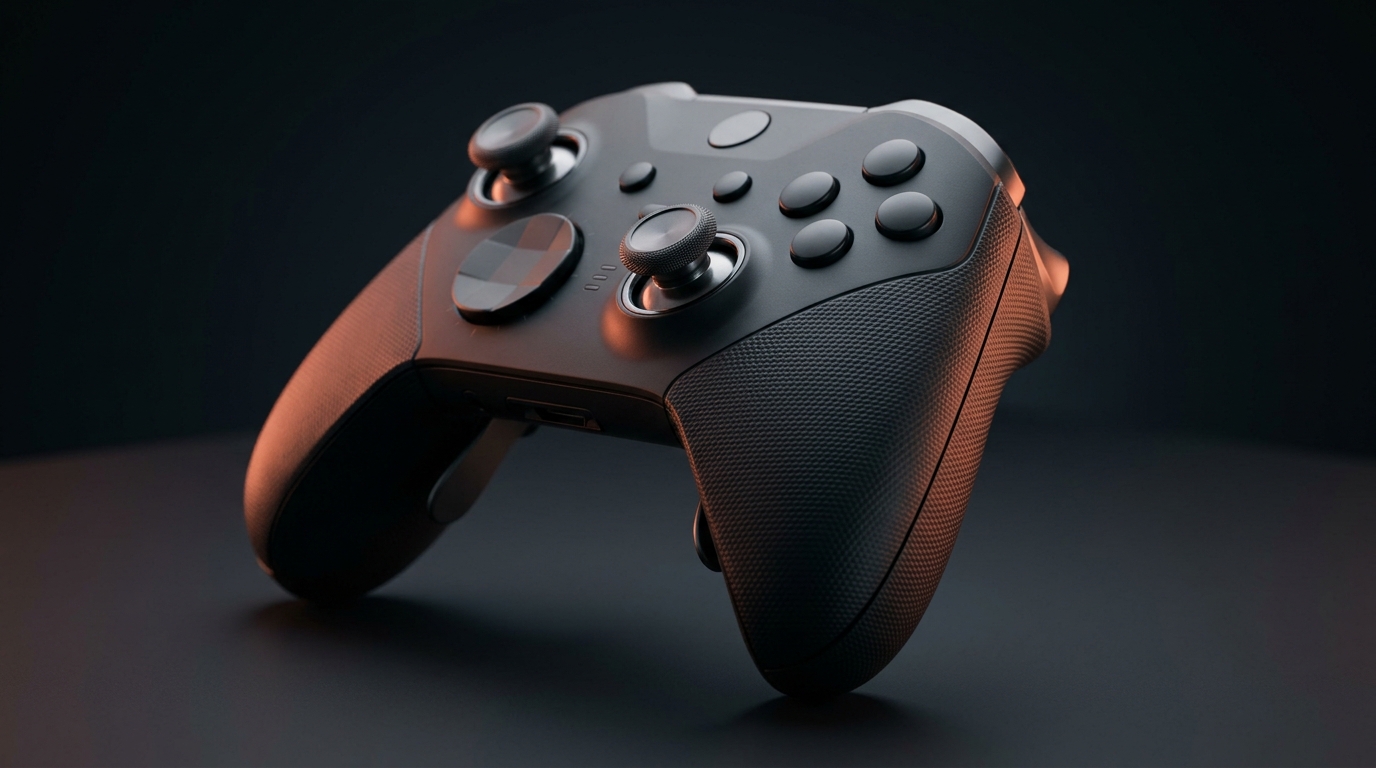
At the $199 price point, the DualSense Edge and Xbox Elite Series 2 provide structural advantages that go beyond stick height. The most critical feature for GTA VI is the rear paddles. By mapping the 'Sprint' button (A on Xbox, X on PS5) and the 'Cover' button (RB on Xbox, R1 on PS5) to these back paddles, you can perform complex maneuvers—like sprinting through a convenience store while rotating the camera—without ever taking your thumb off the right analog stick. This 'thumbs-on-sticks' consistency is the single biggest advantage in high-stakes encounters in Vice City.
Furthermore, both controllers feature physical trigger stops. Reducing the travel distance of the R2/RT trigger allows for faster activation of firearms. In a 30 FPS environment where every millisecond of input delay counts, hair triggers can be the difference between getting a shot off before an NPC or rival player reacts. The DualSense Edge has the additional benefit of replaceable stick modules, which is a vital long-term investment given the intensive wear that a massive game like GTA VI puts on hardware.
En el rango de los 199 dólares, el DualSense Edge y el Xbox Elite Series 2 ofrecen ventajas estructurales que van más allá de la altura del stick. La característica más crítica para GTA VI son las palancas traseras. Al mapear el botón de 'Esprintar' (A en Xbox, X en PS5) y el de 'Cobertura' (RB en Xbox, R1 en PS5) a estas palancas, puedes realizar maniobras complejas, como correr por una tienda mientras rotas la cámara, sin quitar nunca el pulgar del stick analógico derecho.
Además, ambos mandos cuentan con topes físicos para los gatillos. Reducir la distancia de recorrido del gatillo R2/RT permite una activación más rápida de las armas de fuego. En un entorno de 30 FPS donde cada milisegundo de retraso cuenta, los gatillos de corto recorrido pueden marcar la diferencia. El DualSense Edge tiene la ventaja adicional de los módulos de stick reemplazables, lo que es una inversión vital a largo plazo dado el desgaste intensivo que un juego masivo como GTA VI ejerce sobre el hardware.
- Rear Paddles: Map Sprint/Cover to maintain 100% camera control.
- Trigger Stops: Shortens pull distance for faster weapon discharge.
- Stick Tension: Elite Series 2 allows tightening for more 'weighty' feel.
- Stick Modules: DualSense Edge allows $20 replacements if drift occurs.
- Palancas traseras: Mapea Esprintar/Cobertura para mantener el control total de la cámara.
- Topes de gatillo: Acorta la distancia de pulsación para disparar más rápido.
- Tensión del stick: El Elite Series 2 permite endurecer el movimiento para una sensación más firme.
- Módulos de stick: El DualSense Edge permite reemplazos de 20 dólares si ocurre 'drift'.
Optimal GTA VI In-Game Aiming Settings
Configuración óptima de apuntado en GTA VI
Hardware alone cannot solve latency; you must calibrate the in-game software to match your new physical leverage. For the best response on Patch 01.002.001, navigate to Options > Controls > Third Person. We have found that the default deadzones are far too wide for the 30 FPS target, creating a 'delay' before the game recognizes your input. Reducing the inner deadzone to 5% makes the response feel more immediate.
Additionally, the 'Look Acceleration' should be tuned high (80%) while keeping 'Look Sensitivity' moderate. This allows for slow, precise micro-adjustments when the stick is tilted slightly, but provides the fast turn-around speed needed when being flanked. If you are using a high-rise thumbstick, you can afford to push sensitivity higher than a stock user because the increased physical arc compensates for the sensitivity spike.
El hardware por sí solo no puede solucionar la latencia; debes calibrar el software del juego para que coincida con tu nuevo apalancamiento físico. Para obtener la mejor respuesta en el parche 01.002.001, ve a Opciones > Controles > Tercera persona. Hemos descubierto que las zonas muertas predeterminadas son demasiado amplias para el objetivo de 30 FPS, lo que crea un 'retraso'. Reducir la zona muerta interna al 5% hace que la respuesta se sienta más inmediata.
Además, la 'Aceleración de vista' debe ajustarse alta (80%) manteniendo la 'Sensibilidad de vista' moderada. Esto permite microajustes lentos y precisos cuando el stick se inclina ligeramente, pero proporciona la velocidad de giro necesaria cuando te flanquean. Si utilizas un extensor de stick, puedes permitirte subir la sensibilidad más que un usuario estándar porque el mayor arco físico compensa el pico de sensibilidad.
- Inner Deadzone: Set to 5% (Adjust upward only if stick drift occurs).
- Outer Deadzone: Set to 95% for maximum range of motion.
- Look Acceleration: 80% (Counteracts the 30 FPS input delay).
- Aim Assist: 'Assisted Aim - Partial' for the most natural feel with high-rise sticks.
- Zona muerta interna: Ajustar al 5% (Subir solo si hay 'drift').
- Zona muerta externa: Ajustar al 95% para un rango máximo de movimiento.
- Aceleración de vista: 80% (Contrarresta el retraso de entrada de 30 FPS).
- Asistencia de apuntado: 'Puntería asistida - Parcial' para la sensación más natural con extensores.