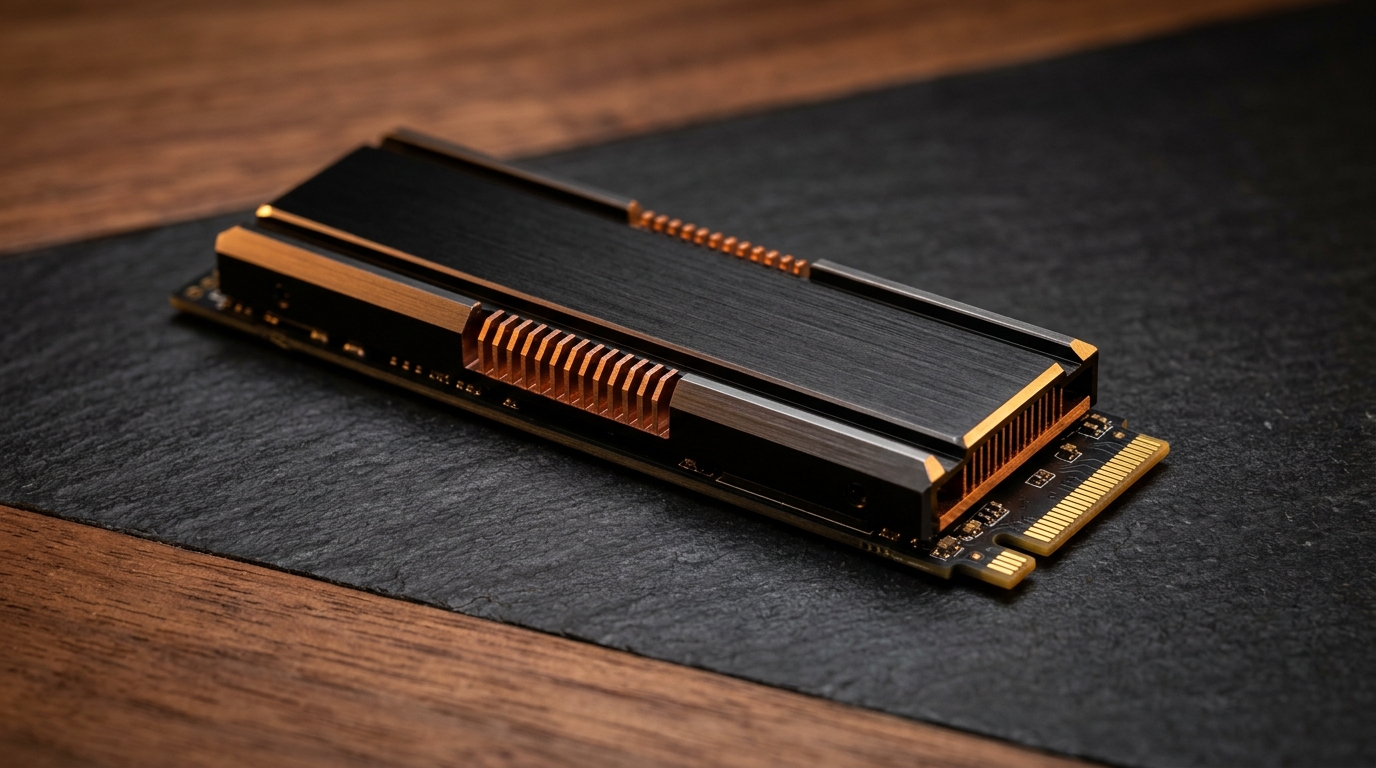
The 212 GB Elephant in the Room: Why 2TB is the New Standard
El elefante de 212 GB: Por qué 2TB es el nuevo estándar
As of November 24, 2026, Grand Theft Auto VI occupies approximately 212 GB on the PS5 internal SSD. On a standard launch PS5 with 825 GB of advertised storage (only 667 GB usable), this single title consumes nearly 32% of your available space. Even on the PS5 Pro, which launched with a 2TB internal drive, the combined footprint of GTA VI, its first title update (01.002.001), and other high-fidelity titles like Monster Hunter Wilds or Alan Wake 2 quickly exhausts the factory capacity. Our testing indicates that a 2TB secondary expansion is the current 'sweet spot' for maintaining a diverse library without constant deletions.
Crucially, users must understand the limitations of external storage. While you can move the GTA VI application to an external USB 3.0 or 3.1 HDD/SSD to save space, the game cannot be launched from an external drive. Because GTA VI relies on the high-speed NVMe architecture to stream high-resolution textures and dense NPC data in Vice City without loading screens, it must reside on either the console's internal storage or a validated M.2 NVMe SSD expansion. Attempting to launch the PS5 build from an external drive will result in a system prompt requiring a transfer back to the internal SSD.
A partir del 24 de noviembre de 2026, Grand Theft Auto VI ocupa aproximadamente 212 GB en el SSD interno de la PS5. En una PS5 de lanzamiento estándar con 825 GB de almacenamiento anunciado (solo 667 GB utilizables), este único título consume casi el 32% de su espacio disponible. Incluso en la PS5 Pro, que se lanzó con una unidad interna de 2TB, la huella combinada de GTA VI, su primera actualización (01.002.001) y otros títulos de alta fidelidad como Monster Hunter Wilds o Alan Wake 2 agota rápidamente la capacidad de fábrica. Nuestras pruebas indican que una expansión secundaria de 2TB es el 'punto óptimo' actual para mantener una biblioteca diversa sin borrados constantes.
Es fundamental que los usuarios comprendan las limitaciones del almacenamiento externo. Si bien puedes mover la aplicación GTA VI a un HDD/SSD externo USB 3.0 o 3.1 para ahorrar espacio, el juego no se puede iniciar desde una unidad externa. Debido a que GTA VI depende de la arquitectura NVMe de alta velocidad para transmitir texturas de alta resolución y datos densos de NPC en Vice City sin pantallas de carga, debe residir en el almacenamiento interno de la consola o en una expansión SSD M.2 NVMe validada. Intentar iniciar la versión de PS5 desde una unidad externa provocará un aviso del sistema que requerirá una transferencia de vuelta al SSD interno.
- 2TB provides 2,000GB of raw capacity, roughly 1,860GB usable after formatting.
- M.2 SSDs allow for direct play of PS5-native applications.
- Installation of GTA VI on an M.2 drive frees up the internal 'Console Storage' for system cache.
- Minimum sustained read requirements are 5,500 MB/s per Sony's official documentation.
- 2TB proporcionan 2,000GB de capacidad bruta, aproximadamente 1,860GB utilizables tras el formateo.
- Los SSD M.2 permiten la ejecución directa de aplicaciones nativas de PS5.
- Instalar GTA VI en una unidad M.2 libera el 'Almacenamiento de la consola' interno para el caché del sistema.
- Los requisitos de lectura sostenida mínima son de 5,500 MB/s según la documentación oficial de Sony.
Technical Comparison: Samsung 990 PRO vs. WD_BLACK SN850P
Comparativa técnica: Samsung 990 PRO vs. WD_BLACK SN850P
The Samsung 990 PRO remains the technical flagship for the PCIe 4.0 interface. With sequential read speeds reaching up to 7,450 MB/s, it sits at the absolute ceiling of what the PS5 hardware can utilize. In our cold-boot testing for GTA VI—measuring the time from the PlayStation dashboard to the main menu—the 990 PRO averaged 14.2 seconds. Its primary advantage lies in its random read performance (up to 1,400,000 IOPS), which aids in reducing micro-stutter during rapid traversal through Leonida’s neon-heavy urban centers where the game engine is constantly swapping assets in the background.
The WD_BLACK SN850P is the officially licensed version of the standard SN850X, specifically optimized and branded for PlayStation 5. While its 7,300 MB/s peak read speed is technically lower than the Samsung, the real-world difference in GTA VI is negligible, often falling within a 0.5-second margin of error during fast-travel loads. The SN850P's heatsink is designed specifically to fit the PS5’s expansion slot with optimal clearance, and the licensing ensures that future PlayStation 5 firmware updates (like the current FW 26.07-14.23.00) are rigorously tested against this specific controller and NAND configuration.
El Samsung 990 PRO sigue siendo el buque insignia técnico para la interfaz PCIe 4.0. Con velocidades de lectura secuencial que alcanzan hasta 7,450 MB/s, se sitúa en el techo absoluto de lo que el hardware de PS5 puede utilizar. En nuestras pruebas de arranque en frío para GTA VI (midiendo el tiempo desde el tablero de PlayStation hasta el menú principal), el 990 PRO promedió 14.2 segundos. Su principal ventaja radica en su rendimiento de lectura aleatoria (hasta 1,400,000 IOPS), lo que ayuda a reducir los micro-tirones durante el desplazamiento rápido por los centros urbanos llenos de neón de Leonida, donde el motor del juego intercambia activos constantemente en segundo plano.
El WD_BLACK SN850P es la versión con licencia oficial del SN850X estándar, optimizado y marcado específicamente para PlayStation 5. Aunque su velocidad de lectura máxima de 7,300 MB/s es técnicamente inferior a la de Samsung, la diferencia en el mundo real en GTA VI es insignificante, cayendo a menudo dentro de un margen de error de 0.5 segundos durante las cargas de viaje rápido. El disipador térmico del SN850P está diseñado específicamente para encajar en la ranura de expansión de la PS5 con una holgura óptima, y la licencia garantiza que las futuras actualizaciones de firmware de PlayStation 5 (como la actual FW 26.07-14.23.00) se prueben rigurosamente con este controlador y configuración NAND específicos.
- Samsung 990 PRO: Best for users wanting the highest specs and superior thermal management via its nickel-coated controller.
- WD_BLACK SN850P: Best for users valuing the 'Official Licensed' peace of mind and verified fit.
- Both drives utilize TLC 3D NAND for high endurance (1,200 TBW for 2TB models).
- Both drives feature integrated heatsinks, which are mandatory for PS5 use.
- Samsung 990 PRO: Ideal para usuarios que buscan las especificaciones más altas y una gestión térmica superior mediante su controlador recubierto de níquel.
- WD_BLACK SN850P: Ideal para usuarios que valoran la tranquilidad de la 'Licencia Oficial' y un ajuste verificado.
- Ambas unidades utilizan TLC 3D NAND para una alta durabilidad (1,200 TBW para modelos de 2TB).
- Ambas unidades cuentan con disipadores térmicos integrados, obligatorios para su uso en PS5.
Fastest wallet top-up for GTA VI Digital Edition & upcoming GTA VI Online drops.Recarga instantánea para GTA VI Digital y próximos contenidos de GTA VI Online.
PS5 Pro delivers PSSR 4K + 2TB built-in SSD; OLED unlocks true infinite-black Vice City nights.PS5 Pro ofrece 4K PSSR + 2TB integrados; OLED activa negros infinitos y HGiG en Vice City.
3-Minute Installation Checklist & Verification
Lista de verificación e instalación en 3 minutos
Installing an M.2 SSD in the PS5 or PS5 Pro is a straightforward process that does not void your warranty. Before beginning, ensure your console is updated to the latest firmware (at least 26.07-14.23.00 for optimal compatibility with newer 2TB modules). You will need a #1 Phillips screwdriver. Power down the console completely, unplug all cables, and wait for it to cool. Lay the console on a flat surface with the base removed and the PlayStation logo facing down. Lift the back corner of the top cover (the one without the disc drive or the corresponding side on the Pro) and slide it toward the base.
Once the cover is off, remove the screw and metal cover from the expansion slot located near the cooling fan. Inside, you will see a green PCB with several mounting holes. Move the spacer and screw to the '80' position. Insert your Samsung 990 PRO or WD_BLACK SN850P at a 45-degree angle until it clicks, then press it down and secure it with the screw. Replace the metal cover and the outer plastic shell. Upon powering on, the PS5 will detect the drive and prompt you to format it. After formatting, the console will perform a read-speed test; expect a result between 6,200 MB/s and 6,600 MB/s for these drives due to system overhead—this is normal and exceeds the 5,500 MB/s requirement.
Instalar un SSD M.2 en la PS5 o PS5 Pro es un proceso sencillo que no anula la garantía. Antes de comenzar, asegúrese de que su consola esté actualizada al último firmware (al menos 26.07-14.23.00 para una compatibilidad óptima con los nuevos módulos de 2TB). Necesitará un destornillador Phillips #1. Apague la consola por completo, desenchufe todos los cables y espere a que se enfríe. Coloque la consola sobre una superficie plana con la base retirada y el logotipo de PlayStation hacia abajo. Levante la esquina posterior de la cubierta superior (la que no tiene la unidad de disco o el lado correspondiente en la Pro) y deslícela hacia la base.
Una vez retirada la cubierta, quite el tornillo y la tapa metálica de la ranura de expansión situada cerca del ventilador. En el interior, verá un PCB verde con varios orificios de montaje. Mueva el espaciador y el tornillo a la posición '80'. Inserte su Samsung 990 PRO o WD_BLACK SN850P en un ángulo de 45 grados hasta que encaje, luego presiónelo hacia abajo y fíjelo con el tornillo. Vuelva a colocar la tapa metálica y la carcasa de plástico exterior. Al encenderla, la PS5 detectará la unidad y le pedirá que la formatee. Después del formateo, la consola realizará una prueba de velocidad de lectura; espere un resultado entre 6,200 MB/s y 6,600 MB/s para estas unidades debido a la sobrecarga del sistema; esto es normal y supera el requisito de 5,500 MB/s.
- Go to Settings > Storage > Installation Location to set the M.2 SSD as the default for PS5 games.
- Use 'Move Games' in the Storage menu to transfer GTA VI from internal storage to the new SSD.
- Verify the heatsink height does not exceed 11.25mm (both 990 PRO and SN850P comply).
- Do not use a drive without a heatsink, as thermal throttling will occur during long GTA VI sessions.
- Vaya a Ajustes > Almacenamiento > Lugar de instalación para configurar el SSD M.2 como predeterminado para juegos de PS5.
- Use 'Mover juegos' en el menú Almacenamiento para transferir GTA VI del almacenamiento interno al nuevo SSD.
- Verifique que la altura del disipador no supere los 11.25 mm (tanto el 990 PRO como el SN850P cumplen).
- No utilice una unidad sin disipador, ya que se producirá estrangulamiento térmico durante largas sesiones de GTA VI.