How to Switch Between Third-Person and First-Person Modes
Cómo Alternar Entre Tercera Persona y Primera Persona
Rockstar Games expanded GTA VI's perspective engine beyond prior titles, letting Jason and Lucia operate in true 1:1 first-person perspective seamlessly across foot navigation, gunfights, swimming, and vehicle piloting. Tapping the view swap button cycles sequentially through Close Third-Person, Medium Third-Person, Far Cinematic Third-Person, and True First-Person.
You can configure independent camera defaults for walking, combat aiming, and driving so you never have to manually cycle perspectives when transitioning from foot combat into a high-speed getaway vehicle.
Rockstar Games mejoró el motor de perspectivas en GTA VI respecto a entregas anteriores, permitiendo controlar a Jason y Lucia en primera persona real 1:1 sin interrupciones a pie, en combate armado, nadando y al volante. Al pulsar el botón de vista, el juego alterna en orden entre Tercera Persona Cercana, Media, Lejana Cinemática y Primera Persona Real.
Además, puedes predefinir vistas independientes para caminar, apuntar y conducir, evitando tener que cambiar manualmente de perspectiva cada vez que subes a un vehículo de escape tras un tiroteo.
- PS5 Controls: Tap the DualSense Touchpad to instantly cycle camera distances and first-person view.
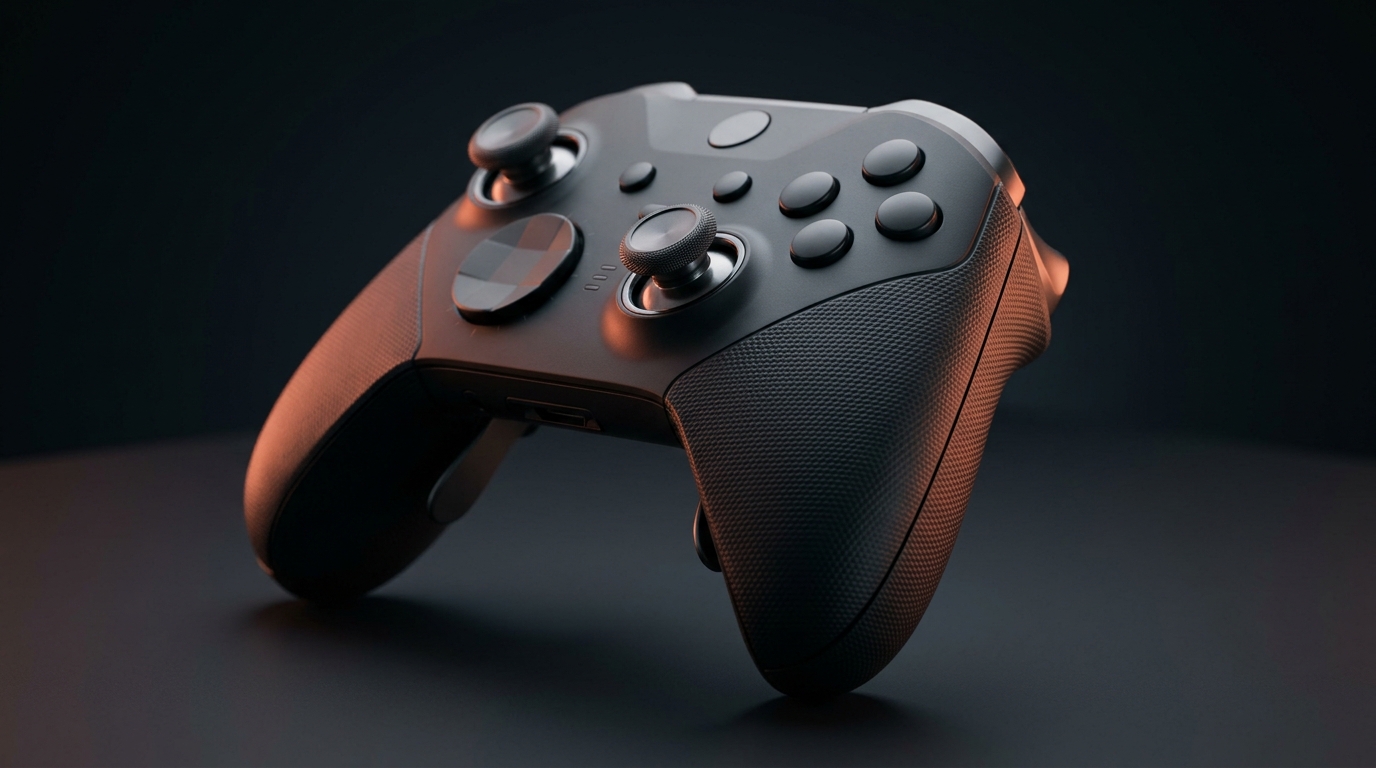
- Xbox Series X|S Controls: Tap the View button (double interlocking squares) to cycle camera modes.
- Independent Aiming Perspective: Go to Settings > Camera > 'First-Person Aiming' and toggle it to 'Always ADS' or 'Independent' to keep iron-sights locked without changing walking perspective.
- Cover Transition: Under Settings > Camera > 'First-Person Cover', enable 'Auto Third-Person' if you prefer taking cover behind walls with full peripheral corner-peeking.
- Controles PS5: Pulsa el panel táctil de DualSense para alternar entre las distancias de cámara y primera persona.
- Controles Xbox Series X|S: Pulsa el botón Vista (dos cuadrados superpuestos) para cambiar de vista.
- Apuntado Independiente: Ve a Ajustes > Cámara > 'Apuntado en Primera Persona' y selecciona 'Solo Mirilla' o 'Independiente' para apuntar con alzas sin alterar la vista al correr.
- Transición de Cobertura: En Ajustes > Cámara > 'Cobertura en Primera Persona', activa 'Tercera Persona Automática' para asomarte en esquinas con máxima visión perimetral.
Cockpit Camera: Infotainment GPS, Working Mirrors & Adjustments
Cámara de Cabina: GPS en Pantalla, Espejos Funcionales y Ajustes
Every vehicle in Leonida—from beat-up Ocean Drive station wagons to Pegassi supercars and commercial speedboats—features a fully modeled interior. While in first-person cockpit view, your car's center infotainment display mirrors your active smartphone GPS route, eliminating the need to look down at the radar HUD.
Thanks to hardware-accelerated ray tracing on PS5, PS5 Pro, and Xbox Series X, the driver side mirror and rear-view mirror reflect actual real-time vehicle traffic and chasing police cruisers without the low-resolution planar distortion seen in older generation titles.
Cada vehículo en Leonida—desde rancheras desgastadas en Ocean Drive hasta superdeportivos Pegassi y lanchas motoras—posee un habitáculo detallado al milímetro. En la cámara de cabina en primera persona, la pantalla central del coche proyecta la ruta GPS activa de tu teléfono móvil, permitiéndote navegar sin desviar la mirada al mini-mapa.
Gracias al trazado de rayos por hardware en PS5, PS5 Pro y Xbox Series X, el espejo retrovisor interior y los espejos laterales reflejan el tráfico real y las patrullas policiales en tiempo real sin las aberraciones planas de baja resolución de generaciones pasadas.
- Vehicle Look-Behind: Click and hold Right Stick (R3 / RS) while in cockpit view to glance through the rear windshield or check the center rear-view mirror.
- Seat Height Adjustment: Open Settings > Camera > 'Vehicle Interior Seat Position' and set to 'Elevated' (+2) if the steering wheel obstructs your road view in low-slung sports coupes.
- Radio HUD Sync: Station names, song titles, and artist credits dynamically display on the vehicle's digital dashboard gauges when switching channels.
- Auto-Centering Tweak: Set 'Vehicle First-Person Camera Auto-Center' to 'Off' or 'Low' so free-look camera movement doesn't snap aggressively forward while making tight intersection turns.
- Mirar Atrás en Cabina: Presiona y mantén el joystick derecho (R3 / RS) en cabina para observar a través del parabrisas trasero o examinar el retrovisor.
- Ajuste de Altura del Asiento: Abre Ajustes > Cámara > 'Posición de Asiento Interior' y selecciona 'Elevado' (+2) si el volante bloquea la calzada en coupés deportivos bajos.
- Sincronización de Radio: Las emisoras, canciones y artistas se leen de forma dinámica en las pantallas digitales del cuadro de mandos al cambiar de sintonía.
- Autocentrado de Cámara: Configura 'Autocentrado de Cámara en Vehículo' en 'Desactivado' o 'Bajo' para que la vista libre no regrese bruscamente al frente al doblar esquinas pronunciadas.
Optimal FOV Sliders & Motion Sickness Reductions
Sliders de FOV Óptimos y Ajustes Contra el Mareo por Movimiento
The default narrow field of view (FOV) in GTA VI can cause peripheral distortion and motion sickness, especially during tight corridor shootouts or high-speed driving on large modern 4K gaming displays. Expanding the FOV sliders provides a wider viewing angle and dramatically improves combat reaction time.
Pairing wider FOV sliders with disabled camera bobbing stabilizes your crosshair and eliminates disorienting horizon shakes when sprinting across Vice Beach or vaulting fences.
El campo de visión (FOV) predeterminado en GTA VI es estrecho y suele provocar mareos o sensación de túnel, especialmente en tiroteos en interiores o al conducir a gran velocidad en pantallas 4K de gran diagonal. Ampliar los reguladores de FOV expande tu ángulo visual y mejora drásticamente tus reflejos en combate.
Combinar un FOV más amplio con la eliminación del bamboleo de la cámara estabiliza tu retícula de apuntado y erradica el molesto temblor del horizonte al esprintar por Vice Beach o saltar vallas.
- First-Person On-Foot FOV: Increase slider to +15 (roughly 95 degrees horizontal field of view) to eliminate the tunnel-vision feel without fisheye edge distortion.
- First-Person Vehicle FOV: Maximize slider to +20 to see both your left driver side mirror and the center infotainment navigation console simultaneously.
- First-Person Head Bobbing: Set to 'Off' in Camera Settings to freeze vertical horizon sway while sprinting or vaulting obstacles.
- Camera Shake Reduction: Drop 'Combat & Explosion Camera Shake' down to 0% to prevent erratic camera jerks during grenade explosions and shotgun blasts.
- FOV a Pie en Primera Persona: Sube el slider a +15 (aproximadamente 95 grados) para eliminar la visión de túnel sin distorsionar los bordes de la pantalla.
- FOV en Vehículo en Primera Persona: Maximiza el regulador a +20 para mantener en pantalla tanto el espejo retrovisor izquierdo como la pantalla de navegación GPS.
- Bamboleo de Cabeza (Head Bobbing): Cámbialo a 'Desactivado' en Ajustes de Cámara para estabilizar la línea del horizonte al esprintar o trepar obstáculos.
- Temblor de Cámara: Baja el 'Temblor por Combate y Explosiones' al 0% para impedir sacudidas bruscas de cámara ante detonaciones de granadas o escopetazos.